Turn a photo into a crochet chart you can actually follow.
Choose a photo or drawing.
One square = one stitch. A counted color grid, not written row-by-row instructions. Yarn names are generic.
Best results: one subject, plain background, clear light and dark.
Your image stays in your browser. Nothing to sign up for.
Blank graph paperOne photo, every stitch mapped
Meadow blossom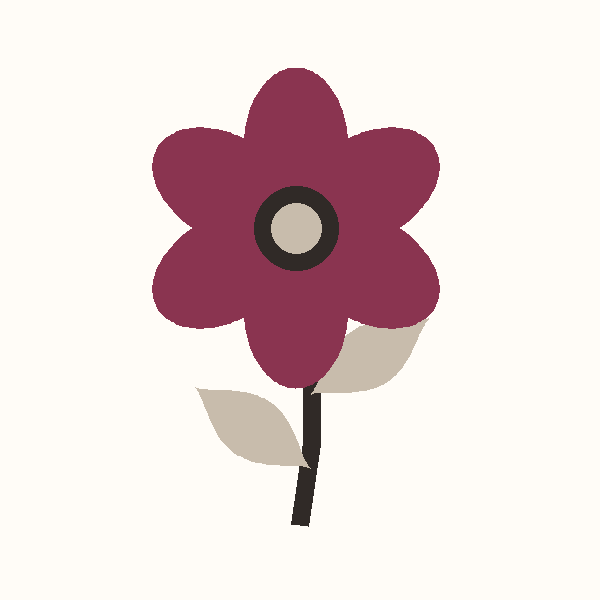
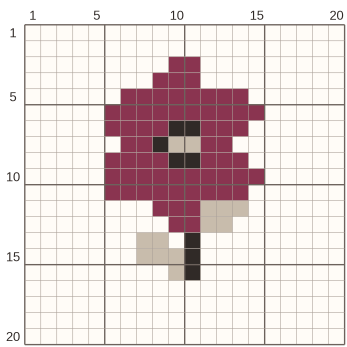
20 × 20 stitches · Four yarn colors
- Walnut
- Dusty Rose
- Oat
- Natural
- Add your image
A clear shape or simple photo is easiest to read as stitches.
- Set the grid
Choose the width, height, and 2–12 generic colors.
- Print or keep it
Download a numbered PDF or PNG and follow each row.
Sample chart — choose a photo above to make yours
Sample · Meadow blossom
Large charts print across several pages. PNG keeps the whole chart in one image.
Pinch or use + / − to zoom. Drag to move.
48 stitches × 48 rows
Fit view
Reading and printing your chart
- How many colors should I use?
- Start with three or four for a simple motif. Raise the limit toward 12 for a photo with shading. A two-color drawing will still use just two yarns if you allow more.
- How do I match the chart to my yarn?
- Lay your yarn beside the swatches in daylight. Names describe the nearest generic shade. Each shade also has an ID, so you can tell two similar roses apart. Turn on cell numbers to follow the IDs.
- Which corner is row one?
- The top-left square is row 1, column 1. These are picture coordinates. If you work from the bottom, start with the highest row number and trace the return row in the opposite direction.
- How big will the finished piece be?
- Divide the chart width by your stitches per inch. At 4 stitches per inch, 48 stitches make 12 inches. Calculate height separately from rows per inch. The chart uses square cells. Turn off Keep photo shape to set width and height independently.
- Can I print a big chart on several pages?
- Yes. The PDF divides the picture into tiles of up to 32 columns by 40 rows. A 48 × 48 chart has 2,304 stitches across four sheets. Each sheet carries its own coordinate range and the full yarn key. The PNG keeps the whole chart together.
- Where does my photo go?
- It stays in this browser tab. Closing or reloading clears your picture and chart. Save a PDF or PNG before you leave.
- Can I draw my own design on empty squares?
- Use the printable blank graph paper to sketch a motif by hand. The photo maker produces counted color grids. Yarn-brand matching, stitch-symbol diagrams, accounts and cloud saving are outside this edition.